What Is OCR? How Optical Character Recognition Reads ID Documents


Optical Character Recognition (OCR) has become a fundamental component of modern digital infrastructure, enabling the seamless conversion of physical documents into actionable digital data.
This technology bridges the gap between static imagery and dynamic information processing, serving as a critical enabler for tasks ranging from everyday convenience to high-security identity verification.
Every time you deposit a check with your phone, scan a receipt, or upload your passport to open an account, software is reading text out of an image. That technology is OCR, optical character recognition.
This guide explains what OCR is and how it works, then goes where general OCR articles stop: how OCR actually reads a passport or ID card, the role of the machine-readable zone, and why OCR alone is not enough to verify identity in KYC.
What Is OCR?
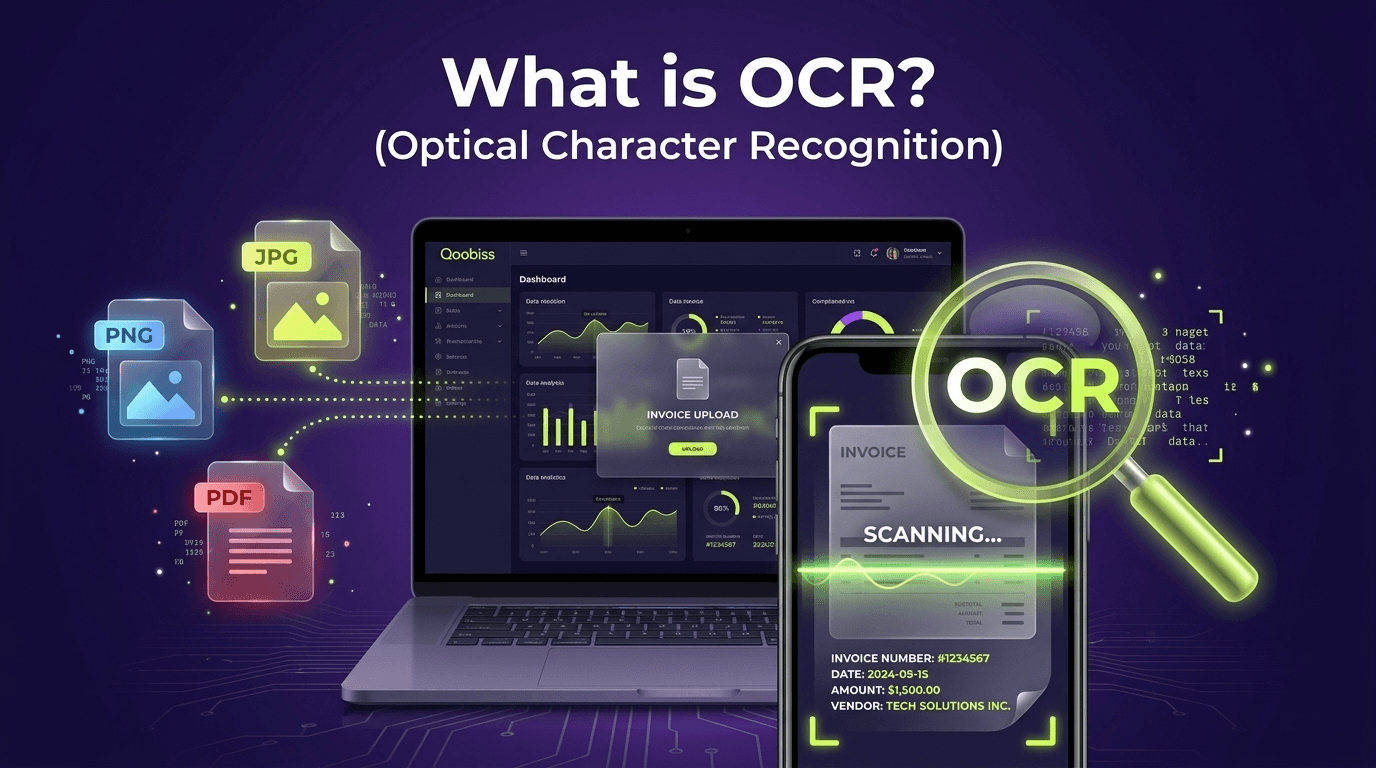
Optical character recognition (OCR) is the technology that converts an image of text, such as a scanned document or a photo, into machine-readable, editable text data. It takes the pixels that a human sees as letters and numbers and turns them into actual characters a computer can store, search, and process.
OCR sits at the intersection of pattern recognition, computer vision, and artificial intelligence, and it is what lets a machine read a document instead of just storing a picture of it.
How Does OCR Work?
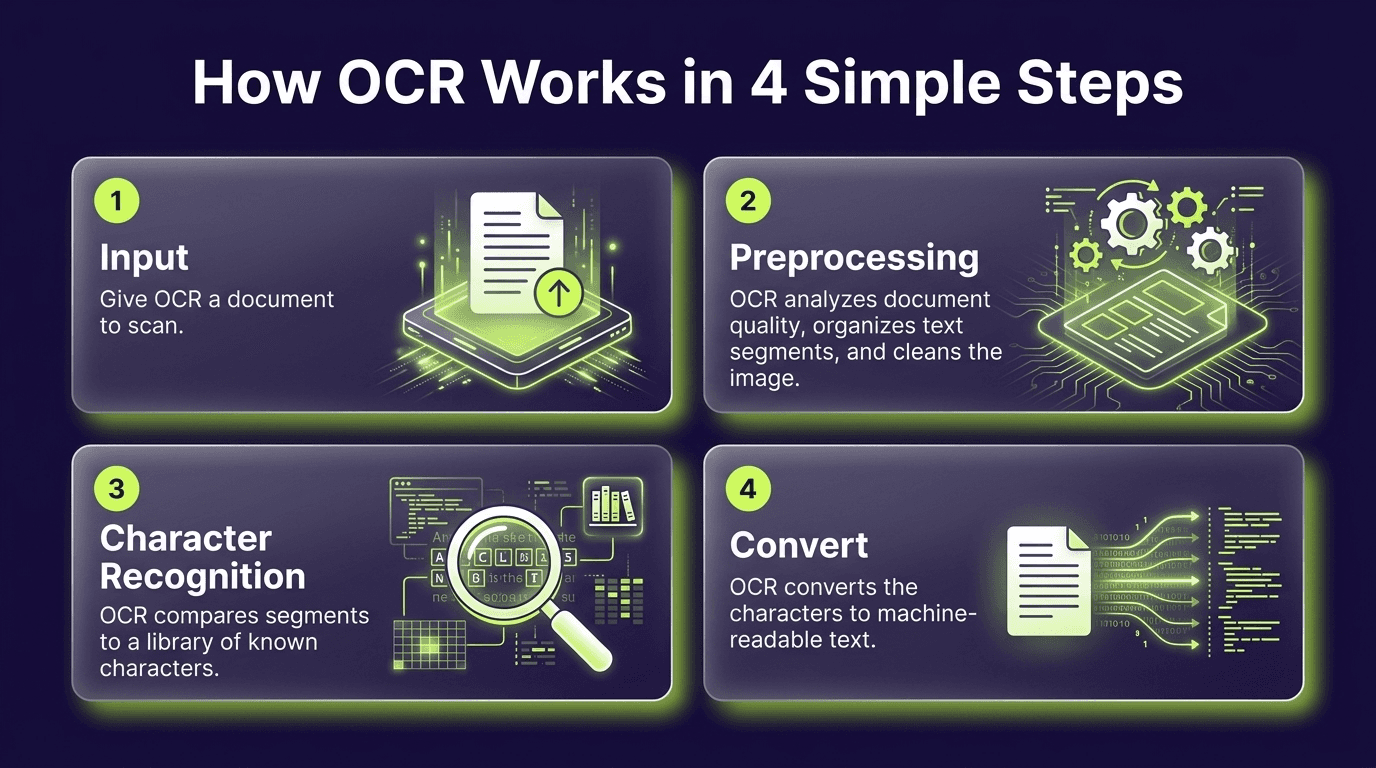
OCR does more than simply identify letters in an image. It transforms a scanned document or photograph into machine-readable text through a sequence of steps that improve image quality, locate the relevant content, recognize characters, and correct the final output.
A typical OCR pipeline runs in a few stages:
Image acquisition. The document is scanned or photographed to create a digital image.
Preprocessing. The image is cleaned up: converting to black and white (binarization), straightening a tilted scan (deskewing), removing specks (despeckling), and detecting lines and zones.
Segmentation. The text is broken down into blocks, lines, words, and individual characters.
Character recognition. Each character is identified (see the two approaches below).
Post-processing. The output is corrected using dictionaries, grammar, and context, and returned as structured text.
Two recognition approaches underpin this:
Pattern matching: comparing each isolated character image (a glyph) against a library of stored glyphs. It works best when fonts and sizes are known.
Feature extraction: breaking a character into features such as lines, curves, loops, and intersections, then finding the nearest match. This handles varied fonts far better.
Modern engines increasingly use deep learning, with convolutional and recurrent neural networks that read characters in context. This is what lets today's OCR handle messy real-world images, varied fonts, and even handwriting far more accurately than template-based systems.
Types of OCR and Related Technology
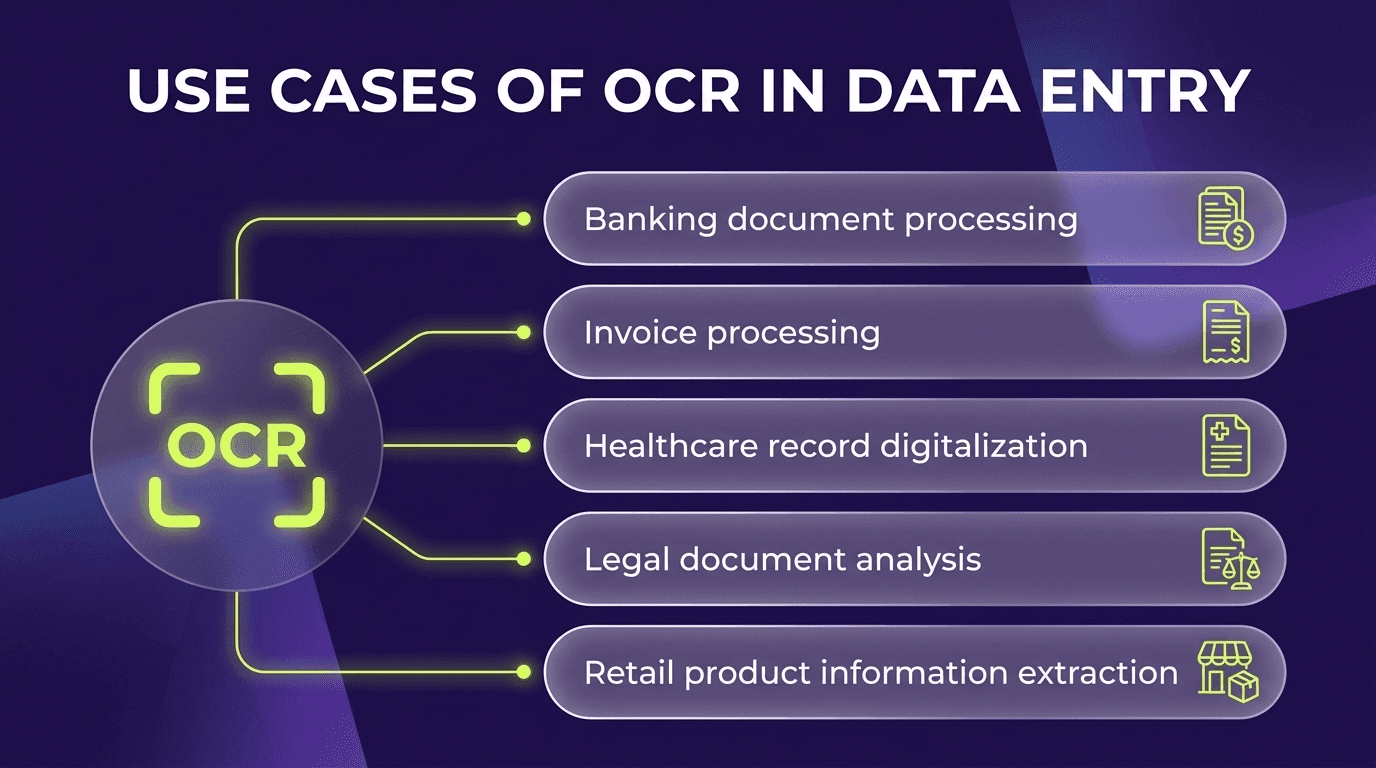
OCR is part of a broader family of document-recognition technologies. While standard OCR focuses primarily on extracting printed or typed characters, related systems can recognise complete words, interpret handwriting, detect visual marks, or process entire documents using artificial intelligence.
Technology | What it does |
|---|---|
OCR (optical character recognition) | Reads printed/typed text, character by character |
OWR (optical word recognition) | Reads printed text a whole word at a time |
ICR (intelligent character recognition) | Reads handwriting, character by character, using machine learning |
IWR (intelligent word recognition) | Reads handwriting a whole word at a time |
OMR (optical mark recognition) | Detects marks, checkboxes, logos, and watermarks |
IDP (intelligent document processing) | Combines OCR with AI to understand and structure whole documents |
A Brief History of OCR
OCR is older than most people think. Emanuel Goldberg built a machine that read characters and converted them into telegraph code around 1914, and patented related technology in 1931 (later acquired by IBM).
Omni-font OCR, able to read many typefaces, came into commercial use in the late 1960s and 1970s. Ray Kurzweil is often credited with popularizing OCR in the 1970s, including a landmark reading machine for the blind, but the technology's roots run decades earlier.
Today, deep-learning engines and cloud services have pushed OCR into phones, real-time translation, and automated onboarding.
How OCR Reads an ID Document

Identity documents are one of the highest-stakes uses of OCR, and they work differently from scanning a random page. A passport or ID card has two readable areas:
The Visual Inspection Zone (VIZ): the human-readable part with the photo, name, date of birth, and document number, laid out differently on every document type and country.
The Machine-Readable Zone (MRZ): the two or three lines of monospaced characters at the bottom, designed specifically to be read by machines.
The Machine-Readable Zone (MRZ)
The MRZ is standardized worldwide by ICAO Document 9303 and printed in the OCR-B font, a typeface created precisely so machines can read it reliably. Its format depends on the document:
Format | Used on | Layout |
|---|---|---|
TD1 | ID cards | 3 lines of 30 characters |
TD2 | Visas and some IDs | 2 lines of 36 characters |
TD3 | Passports | 2 lines of 44 characters |
The MRZ encodes the document type, issuing country, name, document number, nationality, date of birth, sex, and expiry date.
Critically, it also contains check digits: numbers calculated from the other fields that let a system instantly verify the data was read correctly and has not been altered.
Reading the MRZ with OCR and validating its check digits is a fast, reliable way to capture ID data, which is why it is central to automated onboarding.
OCR in KYC and Digital Onboarding

In a modern eKYC flow, OCR turns a photo of an identity document into structured, usable data. It extracts information such as the customer’s name, date of birth, document number, nationality, and expiry date from the visual inspection zone (VIZ) and machine-readable zone (MRZ).
The extracted data can pre-fill application forms, support document authenticity checks, and feed sanctions, PEP, and other AML screening systems. Accurate OCR reduces manual input, limits errors, and makes the onboarding process faster and more convenient.
OCR often works alongside NFC chip reading, which retrieves cryptographically protected data from electronic passports and identity cards. The chip data can then be compared with the printed document details and OCR output to improve verification accuracy.
Why OCR Alone Is Not Enough to Verify Identity
Here is the crucial point that generic OCR guides miss: OCR reads a document, it does not prove the document is genuine. OCR will happily extract text from a high-quality fake ID or a photoshopped image. It is a data-extraction tool, not a fraud-detection tool. Reliable identity verification wraps OCR in additional layers:
Document authentication: checking security features, fonts, and the MRZ check digits to confirm the document is real and unaltered.
NFC chip verification: reading and validating the passport chip's cryptographically signed data.
Biometric face matching and liveness detection: confirming the person presenting the ID is its real owner and physically present.
Treat OCR as the accurate reading layer, and identity verification as the trust layer on top of it.
Benefits of OCR
OCR helps organisations convert scanned documents and images into usable digital information. Its main benefits include:
Speed and automation: eliminates slow, manual data entry.
Fewer errors: reduces the mistakes that come with rekeying data by hand.
Searchability: turns image-only documents into searchable, editable text.
Lower cost and storage: digitizes paper archives and cuts physical storage.
Accessibility: enables text-to-speech for blind and visually impaired users.
Challenges and Accuracy
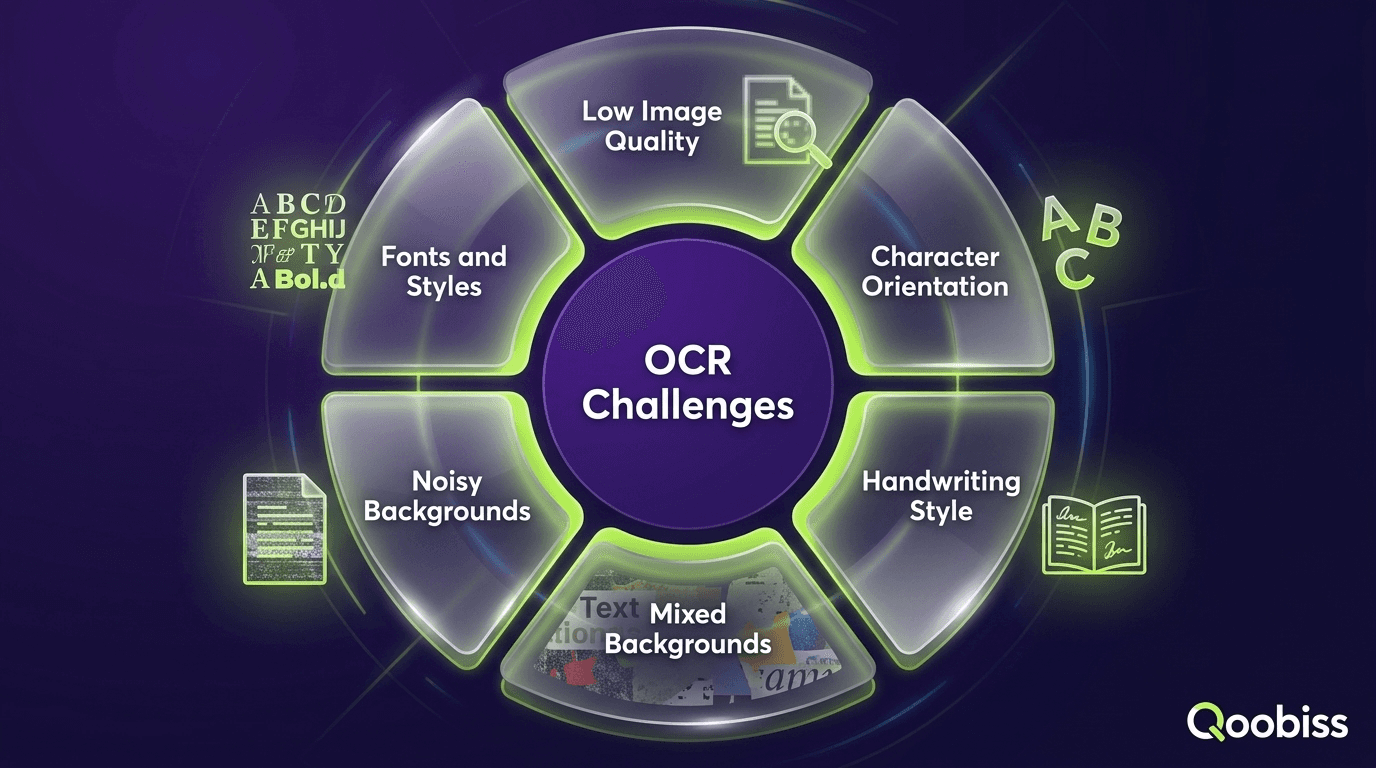
OCR is powerful, but it is not flawless. Accuracy depends heavily on the quality of the source image, and performance can vary significantly across documents.
Poor lighting, blur, glare, skewed images, unusual fonts, handwriting, and complex layouts can all reduce recognition accuracy. Even small extraction errors may be important when processing identity documents, where a single incorrect character can affect a name, document number, or date of birth.
For this reason, compliance-grade systems do not rely on raw OCR output alone. They typically combine OCR with confidence scores, MRZ check-digit validation, document consistency checks, and human review when the extracted data is uncertain.
OCR and Data Extraction with Qoobiss
Qoobiss uses OCR as part of a full data-extraction and document-verification pipeline: capturing the document, reading the VIZ and MRZ, validating check digits, cross-checking against NFC chip data, and authenticating the document, all feeding straight into onboarding and AML screening. The result is fast, accurate ID data capture with fraud protection built in.
Frequently Asked Questions
What does OCR stand for?
How does OCR work?
How does OCR read a passport or ID card?
What is the machine-readable zone (MRZ)?
What is the difference between OCR and ICR?
Is OCR enough to verify someone's identity?